How to watch Shudder in Canada
A practical guide to accessing Shudder from Canada, including options, caveats, and tips for the best viewing experience.
If you’re a horror buff in Canada, you’ve likely wondered how to watch Shudder without running into regional roadblocks. Shudder is the premier streaming service for horror, thriller, and supernatural titles, with an uncut, commercial-free library. In Canada, you do have legitimate paths to access Shudder, but the experience isn’t as simple as subscribing in the United States. This guide breaks down your options, what to expect from each route, and how to optimize your setup for the best viewing experience.

How Shudder works in Canada
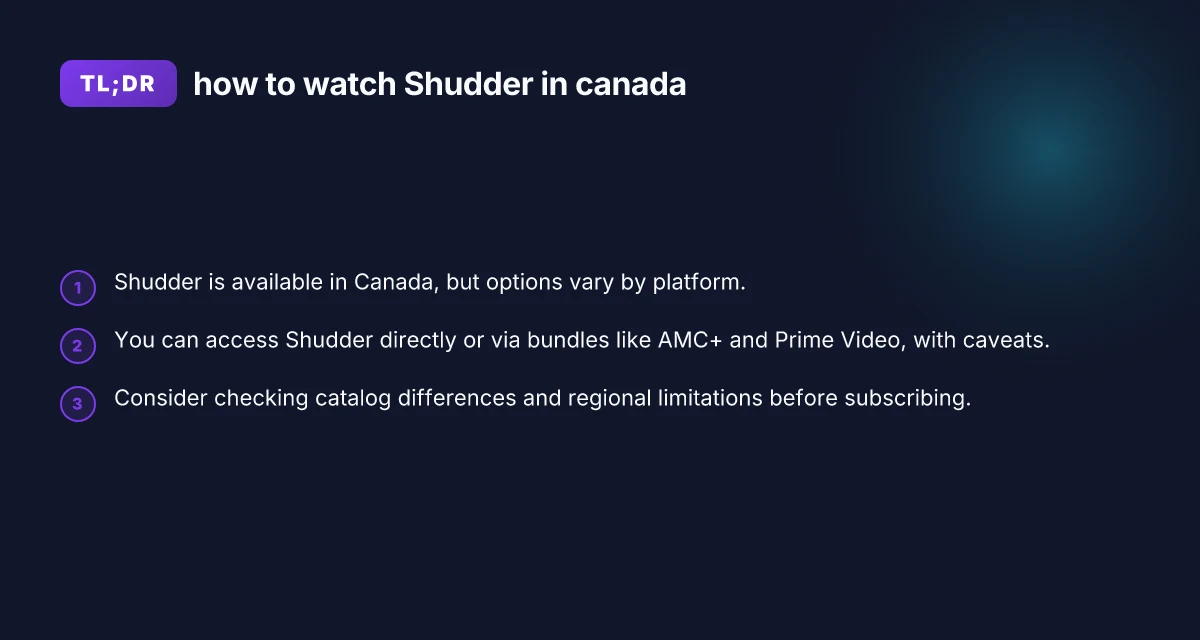
Shudder operates as a global brand with streaming rights in multiple regions, including Canada. However, the catalog you see in Canada can differ from the U.S. version, because rights to specific titles are negotiated country-by-country. In Canada, you may find a robust selection of titles, but some popular U.S.-exclusive releases might be missing or delayed. The key point: you can legally access Shudder in Canada, but the exact lineup and features can vary.
- Direct Shudder subscription in Canada: Available, with content aligned to Canadian licensing.
- Availability via bundles: Some bundles that include Shudder may also affect catalog access or pricing.
- Prime Video or AMC+ routes: These can provide Shudder access, sometimes with a subset of the full library.
If you’re after the widest possible catalog, you’ll want to explore all legitimate options and compare what each route offers in Canada.
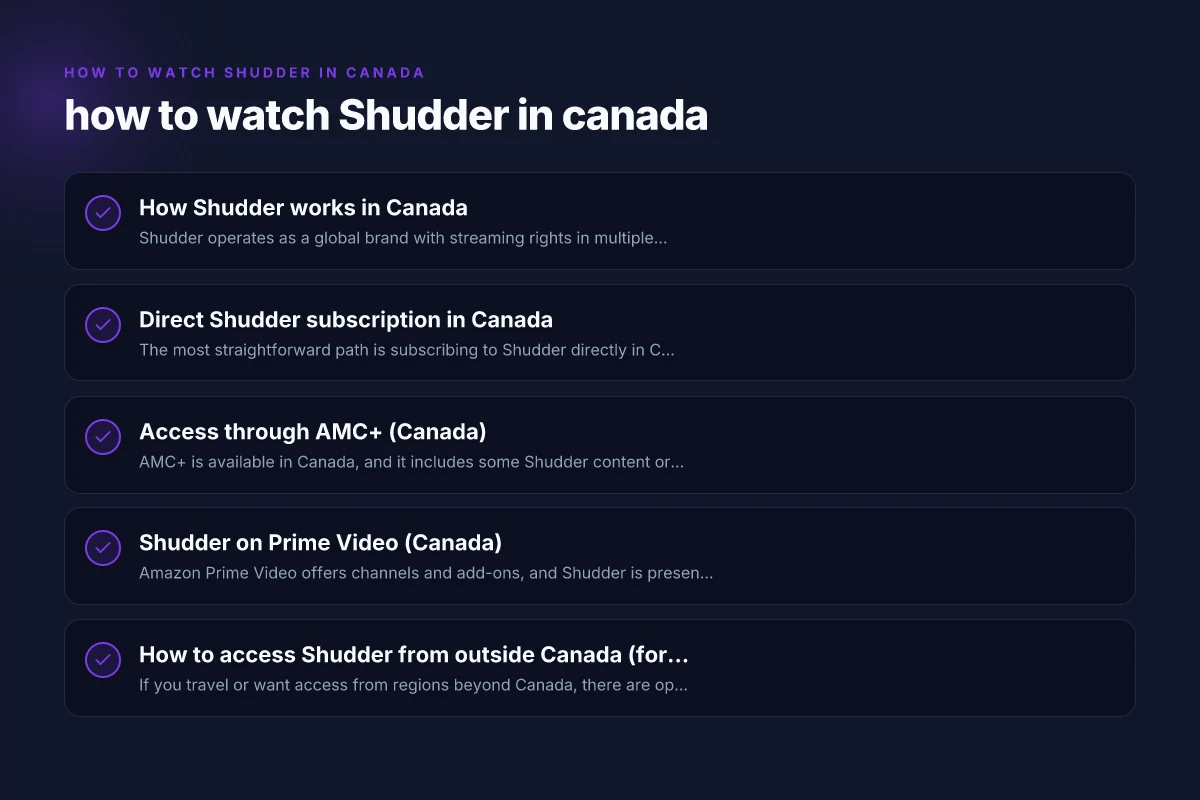
Direct Shudder subscription in Canada
The most straightforward path is subscribing to Shudder directly in Canada through their official site or app. This gives you access to Shudder’s uncut, immersive horror catalog tailored for Canadian users.
What to expect:
- Content library: A strong slate of horror, thriller, and supernatural titles, with ongoing additions.
- Playback: Commercial-free, high-quality streaming, with user-friendly apps across devices.
- Pricing: Shudder’s pricing may differ in Canada from the U.S. Check the site for the current CAD pricing and any regional promotions.
- Availability: You can sign up from Canada, use Canadian payment methods, and stream over the internet without geoblocked restrictions when you’re connected to the Canadian region.
How to sign up: How to watch Sundance Now in Canada
- Go to Shudder.com and choose Canada as your region if prompted.
- Create an account or sign in if you already have one.
- Pick a plan that fits your viewing habit (monthly or yearly, if offered).
- Enter payment details and start streaming.
Things to watch for:
- Regional catalog shifts: New titles may appear on a different schedule than the U.S. library.
- Device compatibility: Shudder supports major platforms (iOS, Android, Roku, Apple TV, Chromecast, web).
Access through AMC+ (Canada)
AMC+ is available in Canada, and it includes some Shudder content or access routes, but there are caveats to be aware of. In practice, AMC+ in Canada may not provide the entire Shudder catalog, only a portion of it. Reddit discussions and user reports have highlighted that AMC+ in Canada might include about 75% of Shudder’s catalog. This means you get a strong selection, but not every title available on Shudder direct.
What this means for you:
- You may get a cheaper combined bundle with AMC+ and Shudder access, depending on the bundle offered in Canada.
- You won’t see the full Shudder library via AMC+. Some content remains exclusive to Shudder’s direct service or other distribution channels.
- If your goal is maximum breadth, you might still prefer subscribing to Shudder directly, or mixing with other access routes.
How to set it up:
- Check if AMC+ is available in your region and whether a Shudder add-on is included.
- If available, sign up for AMC+ through the appropriate Canadian channel (the AMC+ app or a bundled streaming platform in Canada).
- If Shudder access is included, you’ll be able to log in to Shudder through the AMC+ ecosystem or Shudder’s standard app, depending on the provider’s setup.
- Compare the catalog and price to decide whether this route suits you.
Shudder on Prime Video (Canada)
Amazon Prime Video offers channels and add-ons, and Shudder is present as a channel in some regions. In Canada, you can subscribe to Shudder via Prime Video, which aggregates Shudder’s content into the Prime Video app. This can be convenient if you already use Prime Video for other channels and video purchases. How to watch Acorn TV in Canada
Notes about this route:
- Catalog: The Prime Video channel may present a sub-selection of Shudder’s library or the same content as Shudder’s standalone service, depending on licensing.
- Convenience: Access through Prime Video can be appealing if you already have a Prime subscription, consolidating billing and streaming into one app.
- Price and terms: Subscribing through Prime Video could differ from direct Shudder pricing. Ensure you understand the ongoing charge and cancellation terms.
How to watch via Prime Video:
- Open Prime Video in Canada and search for Shudder or the Shudder channel.
- Subscribe to the Shudder channel if offered.
- Launch the Shudder channel within Prime Video and sign in with your Shudder credentials or link accounts as prompted.
Pros and cons:
- Pros: Consolidated billing, one app, easy management if you’re already Prime subscriber.
- Cons: You may encounter a different catalog, and not all Shudder titles may be instantly accessible.
How to access Shudder from outside Canada (for comparison)
If you travel or want access from regions beyond Canada, there are options that some users deploy. It’s important to note that circumventing regional restrictions can be against terms of service, and you should always use legitimate routes. Some people use legitimate streaming-location tools or bundles that let you access Shudder content available to their home region, but these methods can be complex and are not officially supported by all providers.
- StreamLocator-type services: Some services advertise the ability to access Shudder outside your region by routing traffic through other countries. They describe setups where you sign up, configure streaming routes, and then access Shudder as though you’re in another country.
- Cautions: Using third-party location spoofing can violate terms of service, may affect streaming quality, and could result in account issues.
- Best practice: If you’re traveling or temporarily staying outside Canada, check whether Shudder offers temporary access through your destination country’s supported methods.
If you’re not traveling, the most reliable approach is to stay within Canada’s Shudder ecosystem or utilize Prime Video or AMC+ routes that are officially available to Canadians. How to watch Britbox in Canada
Catalog differences and what to expect
- Canadian catalog vs. U.S.: The Canadian Shudder catalog will feature many titles from the U.S. but may have gaps due to regional licensing rights. You might see a strong selection of classics and newer titles, but not every U.S.-exclusive release appears in Canada at once.
- Content updates: Both Shudder direct and bundled options regularly refresh their catalogs, but the cadence can differ among direct subscriptions, AMC+, and Prime Video channels.
- Exclusives and premieres: Some premieres or exclusives arrive first in one region or are held back for licensing windows. If you’re chasing specific titles, you might need to monitor official Shudder announcements or regional update notes.
Practical tips to optimize your Shudder experience in Canada
- Decide your primary route: If catalog breadth is your priority, a direct Shudder subscription in Canada is a solid baseline. If you already use Prime Video or are attracted to bundled pricing, explore Prime Video Shudder and AMC+ options first.
- Compare prices and billing: Check CAD pricing for direct Shudder, and compare with Prime Video add-ons or AMC+ bundles. Promotions or annual plans can change your cost of ownership significantly.
- Check device support: Shudder supports major streaming devices. Make sure your preferred devices (smart TVs, streaming sticks, game consoles, mobile apps) are compatible with the route you choose.
- Monitor catalog changes: If you’re chasing a particular title, keep an eye on catalog change notes. Regional rights can shift, creating occasional windows for specific titles to appear or disappear.
- Consider a trial: If available, a trial period can help you gauge whether the content library and streaming quality meet your expectations before committing.
- Watch best practices for streaming: To avoid buffering or quality drops, ensure your internet connection meets Shudder’s recommended speeds. If multiple devices share bandwidth, consider pausing other streams during peak viewing.
Quick comparison at a glance
Here is a simplified view of the main routes to watch Shudder in Canada, focusing on access, breadth of catalog, and typical user experience.
Direct Shudder (Canada)
Access: Directly through Shudder.com or Shudder app
Catalog breadth: Broadest within Canadian rights
Experience: Uncut, commercial-free, native app support How to watch Showmax in Canada
Pros: Full direct access, consistent updates
Cons: CAD pricing, catalog limited by Canadian licensing
AMC+ (Canada)
Access: via AMC+ bundle in Canada
Catalog breadth: Subset of Shudder catalog (roughly around 75% in some reports) How to watch Discovery Plus in Canada
Experience: Shudder content may be accessed through the AMC+ ecosystem
Pros: Possible bundle savings
Cons: Not a complete Shudder library. Possible licensing differences
Prime Video (Canada)
Access: Shudder channel within Prime Video How to watch MUBI in Canada
Catalog breadth: Varies. Could be a subset of Shudder
Experience: Single app integration with Prime Video
Pros: Convenience, consolidated billing
Cons: Catalog variations, potential delays in new titles
Table: quick route comparison How to watch Criterion Channel in Canada
| Route | Catalog breadth in Canada | Billing/price | App integration | Best for | | Direct Shudder Canada | Broadest Canadian library | CAD pricing, direct sign-up | Shudder app, multi-device | Pure Shudder experience, up-to-date titles | | AMC+ (Canada) | Subset (around 75% reported) | Bundled pricing may be attractive | AMC+ app integration | If you want a bundle, not full catalog | | Prime Video (Canada) | Subset; varies by time | Part of Prime Video subscription or channel add-on | Prime Video app | If you already use Prime Video and want one app |
Final recommendation
If your goal is the most complete Shudder experience in Canada, start with a direct Shudder subscription in Canada. It gives you the widest access to Shudder’s uncut library, with the smoothest playback and the strongest user experience across devices. If you’re already invested in the Prime Video ecosystem or if cost savings tempt you, consider trying Shudder via Prime Video or AMC+ as a bundled option, but go in with the expectation that the catalog might be smaller than the direct route.
A sensible approach is:
- Try direct Shudder first: sign up, test the catalog, see the streaming quality, and evaluate whether the current Canadian library meets your expectations.
- If you’re price-conscious or want a bundled experience, compare prices and catalog breadth with AMC+ and Prime Video, then decide whether the convenience outweighs catalog gaps.
- Keep a watchful eye on title availability: regional licensing can cause shifts, so a title you want today may return or rotate out in weeks or months.
Bottom line: Yes, you can watch Shudder in Canada, and you have legitimate, straightforward options. Choose the route that best matches your appetite for breadth, your budget, and your preferred viewing setup. With the right choice, you’ll be diving into horror, thriller, and supernatural titles in no time.