How to watch Britbox in Canada
A practical guide to watching BritBox in Canada, including official availability, device options, and workarounds if needed.
BritBox is a popular streaming service for British TV, offering a vast library of dramas, comedies, mysteries, soaps, documentaries, and more. If you’re in Canada and want to access BritBox, you have dependable options that align with official availability and supported devices. This guide lays out how to watch BritBox in Canada, what devices you can use, and what to consider if you’re traveling or dealing with regional restrictions.

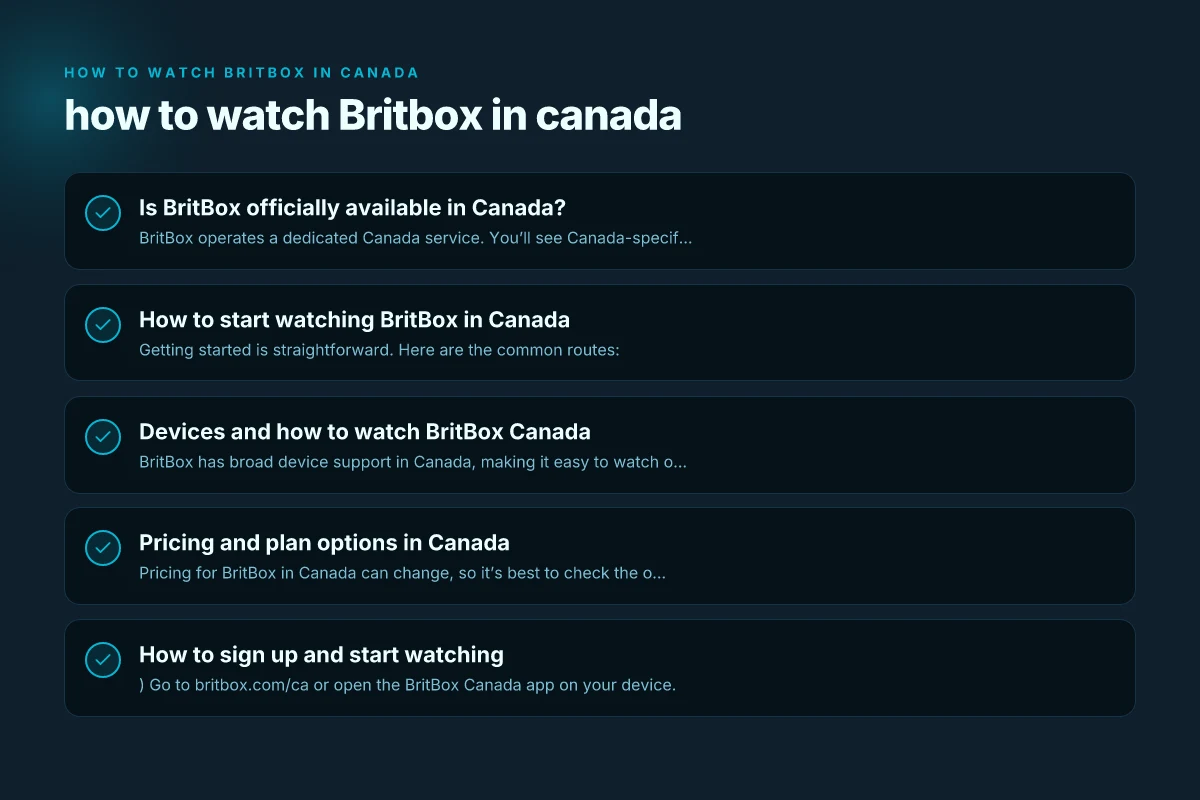
Is BritBox officially available in Canada?
BritBox operates a dedicated Canada service. You’ll see Canada-specific branding, pricing, and catalog on britbox.com/ca. The Canadian version is designed to work with the devices and apps available in Canada, and it typically offers a free trial or a subscription plan that matches local pricing.
If you already subscribe in Canada, you’ll sign in with your BritBox Canada account. If you’re outside Canada, some people explore solutions to access BritBox Canada from abroad, but that’s a separate topic and can involve regional restrictions or terms of service you should review.
How to start watching BritBox in Canada
Getting started is straightforward. Here are the common routes:
- Use the BritBox Canada app on supported devices (smart TVs, streaming boxes, mobile devices).
- Watch in a web browser via the BritBox Canada website.
- Use BritBox through compatible channels or bundles (for example, Prime Video Channels where available in Canada).
- If you’re a current BritBox subscriber, sign in with your Canadian account to access your library.
What you’ll need:
- A BritBox Canada account (subscription or trial, as offered in your region).
- A compatible device (see section below).
- A stable internet connection (recommended at least 5 Mbps for HD, higher for 4K).
Devices and how to watch BritBox Canada
BritBox has broad device support in Canada, making it easy to watch on your preferred screen. Here are common options and tips for each: How to watch Showmax in Canada
Smart TVs and streaming devices
- Android TV, Apple TV, Samsung, LG devices: Install the BritBox Canada app from the device’s app store.
- Roku devices: Add the BritBox app from the Roku Channel Store.
- Other smart TVs: Check the app store on your model for the BritBox Canada app.
Mobile, tablet, and desktop
- iPhone, iPad, Android phones and tablets: Download the BritBox Canada app from the App Store or Google Play.
- Web browser: You can watch directly on the BritBox Canada site via a supported browser on a computer or laptop.
Set-top boxes and bundles
- Amazon Prime Video Channels: In some cases, BritBox can be accessed through Prime Video channels if available in Canada, letting you watch BrittBox programming within the Prime Video interface.
- Other bundles or devices: BritBox continues to expand compatibility on various platforms, so check the official BritBox Canada About page or device compatibility list for the latest.
What to watch for on devices
- Content availability can vary by country, so your library in Canada will reflect the Canadian catalog with titles that BritBox Canada currently carries.
- Some titles may appear as available in HD, while others could be standard definition due to licensing.
Pricing and plan options in Canada
Pricing for BritBox in Canada can change, so it’s best to check the official BritBox Canada site for the current rates. Typically, there will be a free trial or a monthly subscription option, with discounts or promotions sometimes available. If you’re already using BritBox elsewhere, you’ll want to ensure you’re signed into the Canadian account to get the Canadian catalog and pricing.
If you’re shopping around, compare:
- Free trial availability (if offered)
- Monthly subscription price
- Any regional taxes or fees
- Price differences between devices or bundles (like Prime Video Channels, if applicable)
A quick comparison of how BritBox may appear on different platforms:
- BritBox Canada app: Full service on supported devices with access to the Canadian catalog.
- Prime Video Channels: BritBox can sometimes be bundled within Prime Video, offering access through the Prime Video interface.
- Web browser: Direct access to BritBox Canada with sign-in.
- TV dongles (Roku, Fire TV, Chromecast): BritBox app or channel integration on the local store.
Table: BritBox access options in Canada
| Access method | Where to find | Typical content access | Notes |
|---|---|---|---|
| BritBox Canada app (smart TVs, streaming devices) | App stores on device | Full Canadian catalog, sign-in required | Best for a native experience |
| Web browser | britbox.com/ca | Web access to Canadian library | Use any compatible browser |
| Prime Video Channels | Prime Video app/website | BritBox content within Prime Video | May require Prime Video subscription |
| Roku/Apple TV/Android TV apps | Device app stores | Canadian library, device-specific UI | Ensure app is up to date |
How to sign up and start watching
- Go to britbox.com/ca or open the BritBox Canada app on your device.
- Choose to start a free trial (if offered) or sign in if you already have a BritBox Canada account.
- Enter your billing information to begin a subscription, or redeem any offer if available.
- Sign in on all your devices so you can continue watching across platforms.
Helpful tips: How to watch Discovery Plus in Canada
- If you previously had a BritBox account in another country, make sure you’re using a Canada-based account to access the Canadian library and pricing.
- Keep your login credentials secure, and sign out on shared devices if you don’t want others to access your account.
- Check for new titles regularly, as BritBox Canada updates its catalog with fresh episodes and series.
Troubleshooting common issues
- Video won’t load or keeps buffering: Check your internet connection speed (HD content typically requires at least 5 Mbps). Try a lower playback resolution if your connection fluctuates.
- Sign-in problems: Ensure you’re using the Canada account. If you’ve forgotten your password, use the site’s password recovery option.
- Content not available in Canada: Some titles may be region-locked or temporarily unavailable due to licensing. Look for similar shows in the catalog or use the search function to confirm availability.
- App not appearing on device: Verify your device model is supported. Update the app and the device firmware, then try again.
BritBox Canada features and what makes it appealing
- Extensive library of British TV across genres: dramas, comedies, mysteries, soaps, and documentaries.
- Multiple device support: You can watch on smartphones, tablets, web browsers, and many smart TVs or streaming devices.
- Easy sign-in and cross-device watching: Once you sign in on one device, you can continue watching on another.
- A dedicated Canadian catalog: The Canada version focuses on local licensing, making it the most straightforward option for Canadian viewers.
If you’re frequently traveling or living in Canada and want access beyond the Canadian catalog, you might encounter regional limitations. Some people explore VPN options to access BritBox from outside Canada, but that approach involves policy considerations and can affect streaming quality and eligibility for support. It’s important to review BritBox’s terms of service and local laws before using a VPN for streaming.
Final recommendation
For most Canadian viewers, the simplest, most reliable way to watch BritBox is to use the BritBox Canada app on your preferred device or access it directly via the web on britbox.com/ca. If you already subscribe to Prime Video in Canada and BritBox is available as a Channel, that route can offer a convenient alternative within the Prime Video interface. Regularly check the official BritBox Canada site and device support pages for updates to catalog, pricing, and newly supported devices.
In short: pick your favorite device, install the BritBox Canada app or use a web browser, sign in, and dive into a broad collection of British TV content, right in Canada.