How to watch CTV in Canada

A practical guide to streaming CTV content in Canada, including live TV options, apps, and tips for cord-cutters.
CTV is a major Canadian broadcaster offering a mix of live TV, news, and on-demand content. If you’re trying to figure out how to watch CTV in Canada, you’ve got several straightforward options. The following guide breaks down the most reliable routes, what you’ll get with each, and where to find them. Whether you’re a cord-cutter, a tv+ streaming enthusiast, or just want to catch the news, there’s a path that fits.

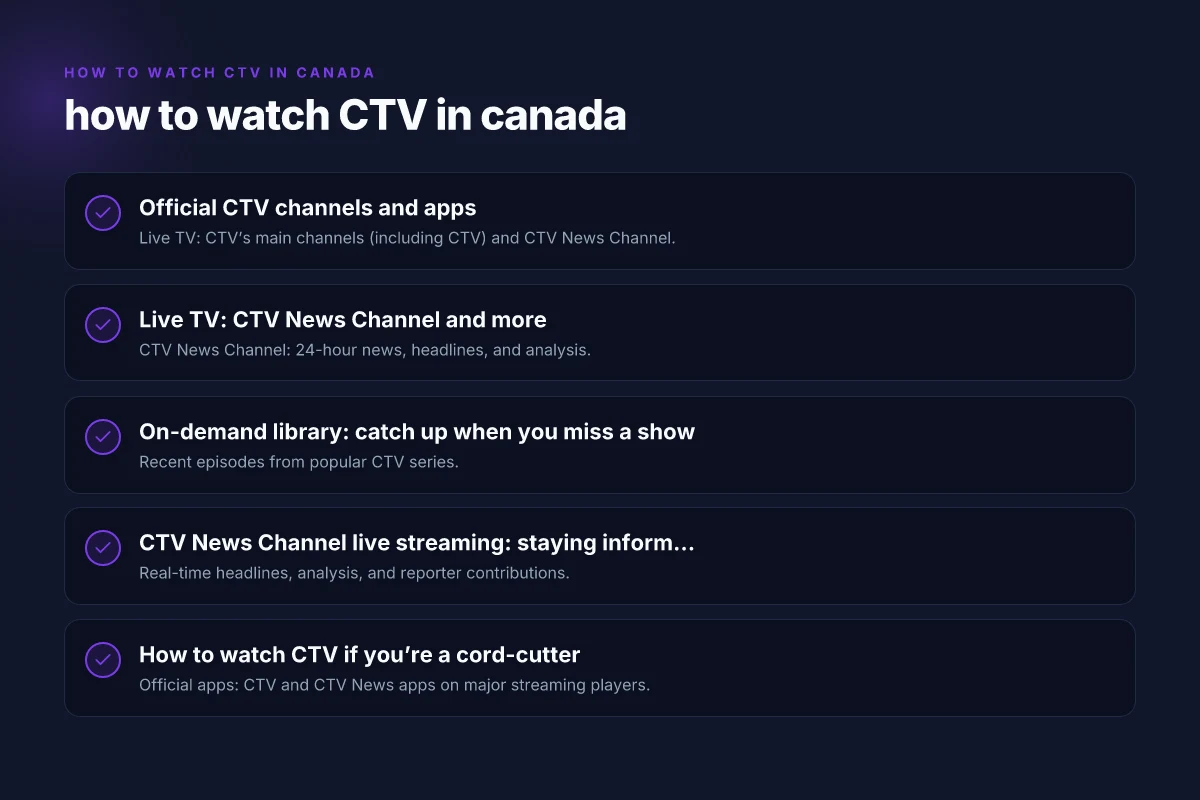
Official CTV channels and apps
What you can access
- Live TV: CTV’s main channels (including CTV) and CTV News Channel.
- On-demand: A library of CTV shows, movies, and special programming.
- News and weekend specials: Live updates and breaking news.
Where to watch
- CTV app: Available on iOS, Android, Apple TV, Android TV, Roku, Amazon Fire TV, and most smart TVs.
- CTV.ca: Streamable in a web browser with a basic account.
- Crave: Some content is available for Crave subscribers in Canada, which includes a CTV package.
How to start
- Install the CTV app on your device.
- Sign in with your TV provider if prompted (some content is free, some requires a subscription).
- Navigate to Live to begin watching CTV channels or Use On Demand for past episodes.
Live TV: CTV News Channel and more
What is available live
- CTV News Channel: 24-hour news, headlines, and analysis.
- CTV main channel: Conventional broadcast, sports, and entertainment slots.
How to access live
- From the CTV app: Tap Live and choose the channel.
- From CTV.ca: Click Live TV to start streaming in-browser.
- On smart TVs and streaming devices: Use the search function to find “CTV” or “CTV News Channel.”
Practical tips
- Live streams may require regional verification or sign-in for certain content.
- During major news events, expect rapid updates and potentially shorter ad breaks depending on the platform.
On-demand library: catch up when you miss a show
What’s included
- Recent episodes from popular CTV series.
- CTV originals, late-night content, and late-evening news segments.
- Some titles may be geo-restricted or require authentication.
How to access
- In the CTV app: Go to On Demand, then browse or search for a title.
- On CTV.ca: Use the On Demand section to stream eligible episodes.
- Through Crave: Some shows may appear in the Crave catalog depending on licensing.
Tips for maximizing value
- Use the search feature to locate specific episodes or seasons.
- Check the “Recently Added” or “Trending” sections to discover new or popular content.
- Create a watchlist if the app supports it, so you don’t lose track of shows.
CTV News Channel live streaming: staying informed
What to expect
- Real-time headlines, analysis, and reporter contributions.
- Short-form live segments, weather, and special reports.
Access options
- CTV News Channel live page: The official live stream is available on the CTV News site and app.
- Direct app access: Some devices have a dedicated CTV News Channel tile or channel within the CTV app.
Important considerations
- Live news often has more frequent ad breaks. Plan around breaking stories.
- Availability can vary by device and location, but Canada-wide access is common.
How to watch CTV if you’re a cord-cutter
Common methods
- Official apps: CTV and CTV News apps on major streaming players.
- Web streaming: CTV.ca for live and on-demand viewing.
- Crave integration: If you already subscribe to Crave, check CTV content there.
VPN note
- Some viewers consider VPNs to access content when traveling or outside Canada. If you choose this route:
- Only use reputable VPN services with Canadian exit servers.
- Be aware of terms of service from CTV/CTV News and any licensing constraints.
- Performance may vary. Streaming quality depends on the VPN’s speed.
Pros and cons
- Pros: No long-term commitment. Broad device support. Access to news and on-demand.
- Cons: Some content behind authentication. Regional restrictions can apply. Free access may be limited.
Quick comparison: official routes to watch CTV
| Route | Content Type | Device Availability | Cost | Sign-in required? |
|---|---|---|---|---|
| CTV app (live) | Live TV, on-demand | iOS/Android/TVs, web | Free with limited content; some content requires sign-in | Often yes for full catalog |
| CTV.ca (web) | Live and on-demand | Web browser | Free with limited access | Sometimes yes for full catalog |
| Crave (CTV content) | On-demand and live options | All major devices | Subscription required | Yes if content is behind Crave catalog |
| CTV News Channel live page | Live news | Web, some apps | Free or included with access to CTV services | No or minimal, varies by platform |
Notes:
- Availability and access levels can change with licensing deals and platform updates. Always check the latest on CTV’s official site or the app store listing.
- Some devices may require you to sign in through your TV provider to unlock the full catalog.
Troubleshooting common issues
- No stream or “this content isn’t available in your country”: Confirm you’re in Canada and using a supported device. Check for any app updates.
- Sign-in issues: Make sure your TV provider account is active if that route is required. Re-sign in if you recently changed passwords or accounts.
- Poor video quality: Restart the app or device, ensure a stable internet connection (at least 5 Mbps for HD. Higher for 4K if supported), and close other apps using bandwidth.
- Missing episodes: Use the search or browse function for On Demand. Check the “Recent” or “All Episodes” sections.
What’s best for most viewers: a recommended approach
If you want a balanced mix of live TV, current episodes, and flexibility, start with the official CTV app on your main streaming device (TV, streaming stick, or mobile). It provides:
- Access to Live TV and CTV News Channel.
- A robust On Demand library for recent episodes.
- Cross-device syncing in many cases, so you can pick up where you left off.
If you already use Crave for other content and you’re looking for a broader library, sharing a Crave subscription can extend your access to CTV content that’s licensed through Crave’s catalog.
For viewers who require the latest news and quick updates, keep the CTV News Channel live stream handy via the CTV News app or the CTV News Channel page.
Final thought: CTV is designed to be accessible across devices in Canada, with multiple paths to suit different viewing habits. Whether you’re a casual watcher who prefers free streaming through the CTV app or a power user who relies on a Crave subscription for a broader catalog, you should be able to watch CTV content without much friction. If you’re new to streaming, start with the official CTV app to get a feel for what’s available and how you like to watch, then expand to other options if you want more content or a different viewing setup. How to watch Global TV in Canada