How to watch Crave in Canada

A practical guide to watching Crave in Canada, including plans, devices, and tips for accessing Crave content legally.
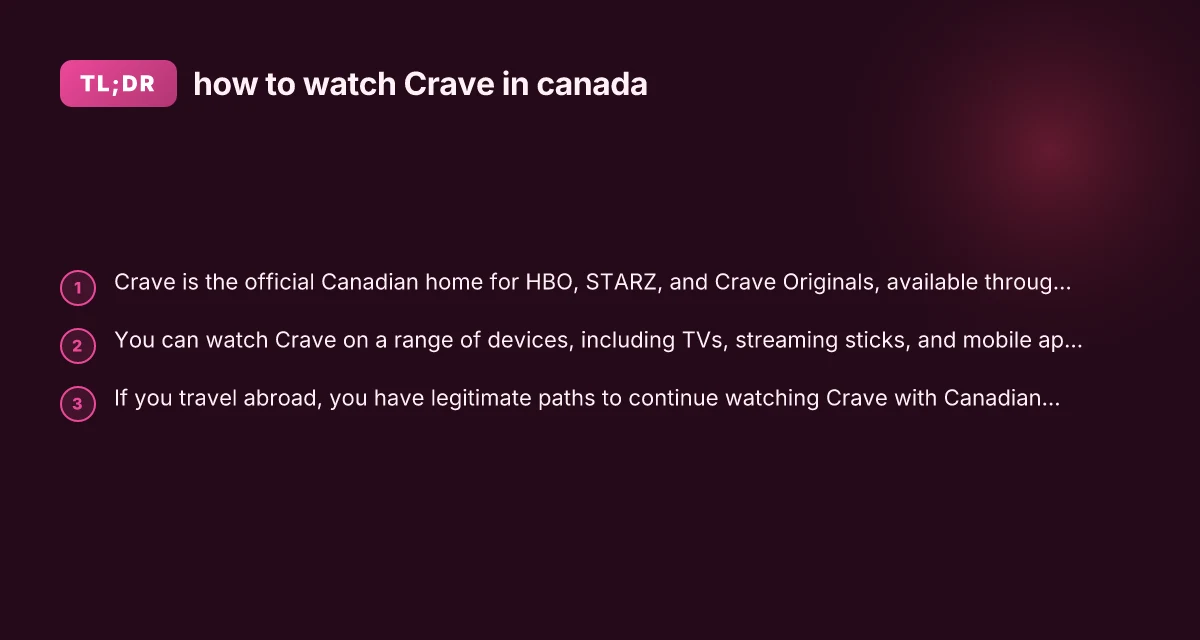
Crave is the Canadian home for HBO, STARZ, and Crave Originals, plus live events. If you’re in Canada and want to watch the latest hit shows and movies, Crave is the go-to service. This guide covers how to access Crave in Canada, the plans and devices supported, and what to do if you’re traveling outside Canada but want to keep watching.

Understanding Crave in Canada
- Crave offers multiple tiers that bundle HBO, STARZ, and Crave Originals.
- In Canada, you typically subscribe directly through Crave’s website or via participating providers.
- Some networks (like CTV) may offer limited Crave content or promos, but Crave’s main catalog is accessed through Crave itself.
What’s included
- HBO-branded content: new and classic HBO series and films.
- STARZ content: a rotating library of shows and movies.
- Crave Originals: Canadian-produced dramas, comedies, and documentaries.
- Live channels and events: depending on your plan.
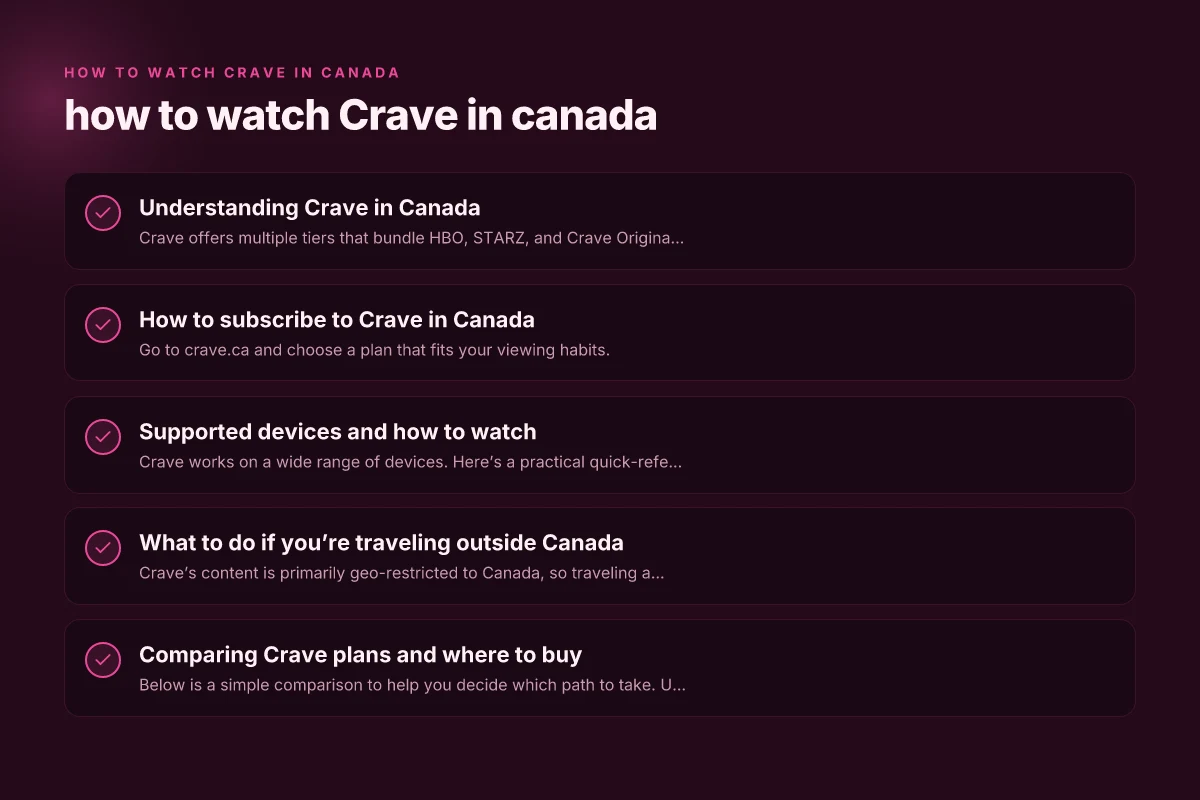
How to subscribe to Crave in Canada
- Go to crave.ca and choose a plan that fits your viewing habits.
- Plans commonly include access to HBO, STARZ, and Crave Original programming.
- You can pay with major credit cards or supported payment methods.
- You may be able to add Crave through certain TV providers or bundles, depending on your region.
Quick-start steps
- Create an account on crave.ca.
- Pick a plan (or provider bundle) that includes the channels you want.
- Set up payment and confirm your subscription.
- Install Crave on your preferred device and sign in.
Supported devices and how to watch
Crave works on a wide range of devices. Here’s a practical quick-reference list.
- Smart TVs: Most modern Samsung, LG, Sony, and Vizio TVs support the Crave app.
- Streaming devices: Roku, Apple TV, Chromecast with Google TV, Amazon Fire TV.
- Mobile devices: iPhone, iPad, Android smartphones and tablets.
- Web: Crave can be watched in a web browser on Windows, macOS, and Chromebook.
- Game consoles: Some PlayStation and Xbox consoles support the Crave app.
Setup tips
- Ensure your device is connected to a stable internet connection.
- Download the Crave app from your device’s app store, or visit crave.ca on a supported browser.
- Sign in with your Crave account credentials.
- If you’re streaming on a TV, consider using an HDMI-connected laptop or casting from a phone to your TV for convenience.
What to do if you’re traveling outside Canada
Crave’s content is primarily geo-restricted to Canada, so traveling abroad requires a valid Canadian subscription and a way to connect from outside Canada.
- Keeping Crave when traveling: Use a legitimate option to access Crave content, such as travel-friendly solutions or provider-supported features if you’re in a region where Crave supports roaming access.
- VPN guidance (use with awareness): Some people use VPNs to access Canadian services abroad, but this may violate Crave’s terms of service. If you choose this route, use reputable VPNs and understand the risks, including potential service interruptions or account issues.
- Alternative in-flight and abroad access: Some content may be available through licensed platforms or partners in other regions, but the full library is typically restricted to Canada.
Important note: Always respect Crave’s terms of service and local laws when accessing streaming content from different jurisdictions.
Comparing Crave plans and where to buy
Below is a simple comparison to help you decide which path to take. Use this as a quick decision aid rather than a definitive price guide, since promotions change.
Plan A: Crave with HBO How to watch Sportsnet in Canada
Content: HBO series, movies, Crave Originals
Price: Varies by promotions and region
Best for: Fans of HBO and premium drama
Plan B: Crave with STARZ
Content: STARZ catalog (movies and series), Crave Originals How to watch TSN in Canada
Price: Similar range to Plan A, often bundled
Best for: Movie lovers and STARZ-exclusive titles
Plan C: Crave Plus Crave Originals only
Content: Crave Originals plus library content
Price: Typically lower than HBO/STARZ bundles How to watch Fox Sports in Canada
Best for: Canadian originals and mixed library access
| Plan Type | HBO Access | STARZ Access | Crave Originals | Live Channels | Ideal For |
|---|---|---|---|---|---|
| Plan A | Yes | Limited/No | Yes | Yes/No (varies) | HBO fans |
| Plan B | Limited/No | Yes | Yes | Yes/No | STARZ fans |
| Plan C | Yes/No | Yes/No | Yes | No | Original lovers |
Troubleshooting common issues
- Playback errors: Check internet speed (aim for 5 Mbps or higher for HD, 25 Mbps for 4K where supported).
- Sign-in problems: Reset your Crave password from the sign-in screen and ensure your account is active.
- Device compatibility: Update the Crave app to the latest version. Reboot the device if playback issues persist.
- Payment issues: Verify your payment method on crave.ca and ensure no holds or expirations.
Tips to maximize your Crave experience
- Watchlists: Use the “My List” feature to keep track of episodes and movies you want to watch.
- Download for offline viewing: If your plan supports it, download episodes to watch offline on mobile devices.
- Parental controls: Use profile-specific settings to customize viewing for kids and minors.
- Search smartly: Use show titles, actors, or genres to quickly locate content.
Final recommendations
If you’re new to Crave in Canada, start with Crave’s official site at crave.ca to understand the latest plans, pricing, and what’s included. The service provides a straightforward setup across popular devices, making it easy to start watching HBO, STARZ, and Crave Originals from your TV, computer, or mobile device. For most viewers, the simplest path is to subscribe to Crave via crave.ca, install the app on your preferred device, sign in, and begin exploring the library. If you travel, keep in mind Crave’s content is Canada-focused. Research legitimate options offered by your current provider or consider how any international travel impacts access to your Crave subscription.